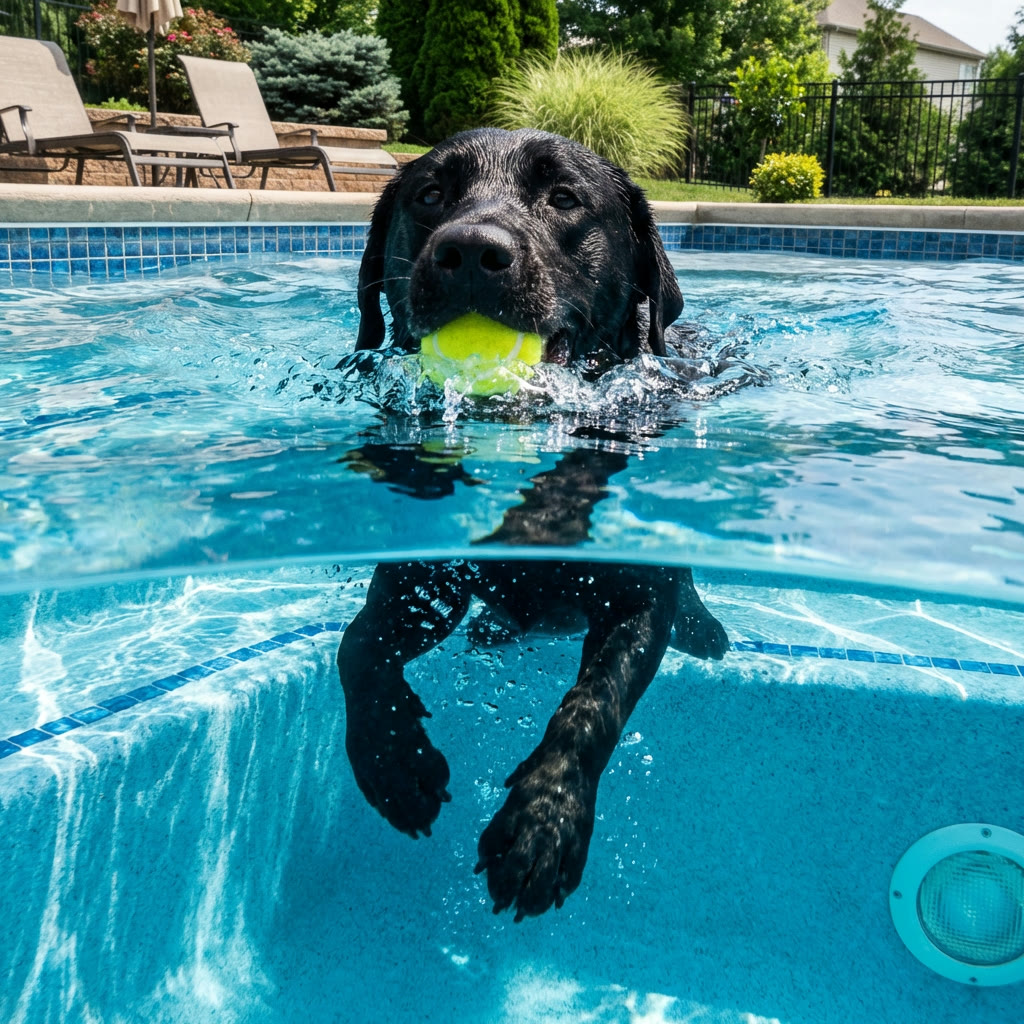
Cinematic AI-generated video frame created with the Seedance 2.5 model

Try Fable AI · ByteDance video model

Seedance 2.5: ByteDance’s 30-Second AI Video Model

Seedance 2.5 is ByteDance’s next-generation AI video generator. It produces a single continuous 30-second shot in one pass, accepts up to 50 multimodal references, and generates synchronized audio and video together. Run text-to-video and image-to-video right here, then export cinematic clips at up to 4K.

Native 30-second single-shot videoUp to 50 multimodal referencesJoint audio + video in one passUp to native 4K, 10-bit color
Open generatorLast updated 2026/06/26

Seedance 2.5 at a glance

Developer
ByteDance (Seed / Doubao team)
Model type
Multimodal text/image-to-video generator
Max clip length
Up to 30 seconds, single shot
Reference inputs
Up to 50 multimodal assets
Resolution
Up to native 4K (3840×2160), 10-bit
Audio
Native joint audio-video generation
Generation modes
Text-to-video, image-to-video, reference-to-video
Editing
Localized region editing

A generational leap for AI video

Seedance 2.5 is the latest video generation model from ByteDance, introduced at the Volcano Engine FORCE conference in June 2026. ByteDance skipped straight from Seedance 2.0 to 2.5, framing the release as a generational jump rather than an incremental update — and the headline numbers reflect that: a native 30-second single-shot clip, up to 50 multimodal reference inputs, and a unified audio-video architecture.

The most practical change is duration. Earlier video models topped out around 15 seconds before quality drifted, forcing creators to stitch shorter segments together. Seedance 2.5 renders a full 30-second shot in a single pass, holding character appearance, lighting, and motion style steady across the whole clip. That makes it suitable for complete scenes, narrative beats, and product spots that previously required manual editing.

Seedance 2.5 also changes how much direction you can give the model. Instead of a handful of reference images, it accepts up to 50 multimodal inputs — images, video, audio, style references, and 3D blockouts — so you can lock a character, a look, a camera path, and a soundscape in one generation. Use the generator above to try text-to-video and image-to-video, then refine with localized region editing.

What makes Seedance 2.5 different

Seedance 2.5 focuses on longer, more controllable, audio-synced video. These are the capabilities that set it apart from earlier AI video models.

30-second single-shot generation

Generate a continuous 30-second clip in one pass — no stitching and no visible seams. The model maintains subject consistency, lighting, and motion style across the full duration, roughly doubling the previous single-clip limit.

Up to 50 multimodal references

Guide a generation with up to 50 reference inputs at once, including images, video clips, audio, style references, and 3D blockouts. That gives you far more control over character identity, composition, and motion than a text prompt alone.

Unified audio-video generation

Visual and audio signals are produced together in the same pass rather than added afterward, so dialogue, footsteps, impacts, and ambience line up natively with the action on screen.

Localized region editing

Redraw a single element — a character’s outfit, a background object, a product in the scene — without regenerating the entire clip, keeping the rest of the frame consistent.

3D blockout staging

Feed a low-fidelity 3D blockout to pre-stage camera moves and composition, giving directors frame-level control before committing to a full-quality render.

Native 4K and stronger prompt adherence

Render directly at up to native 4K (3840×2160) with 10-bit color for smoother gradients and more grading headroom, with noticeably tighter prompt following so you reach a usable result in fewer tries.

Three ways to create

Seedance 2.5 works from a written brief, a still image, or a set of references — pick the starting point that matches your workflow.

Text-to-video

Describe the subject, action, setting, camera, and mood, and Seedance 2.5 turns that brief into a finished moving shot with synchronized sound.

Image-to-video

Start from a still image and animate it into a moving scene, or set a first and last frame to guide how the shot begins and ends.

Reference-to-video

Combine images, clips, audio, and style references to lock a consistent character, look, and motion across multiple generations.

Seedance 2.5 vs Seedance 2.0

Both models are available here. Seedance 2.5 extends duration, reference capacity, and editing control; Seedance 2.0 remains a fast, capable option for shorter synced clips.

FeatureSeedance 2.5Seedance 2.0
Max single-clip durationUp to 30s, single shotUp to 15s, multi-shot
Reference inputsUp to 50 multimodalUp to 12 (9 images, 3 video, 3 audio)
ResolutionUp to native 4K, 10-bitUp to native 4K, 10-bit
AudioUnified joint audio-videoJoint audio-video
Localized region editingYesNot available
3D blockout inputYesNot available
Prompt adherence~20% higherBaseline
Best forLong, complex, multi-reference shotsShort synced clips and fast iteration

Where Seedance 2.5 fits

Longer single shots and richer reference control open up work that previously needed an editing timeline.

Cinematic short-form

Produce complete 30-second scenes with consistent characters and camera language for trailers, concept films, and social storytelling.

Ads and product video

Generate product spots and lifestyle scenes from references, then swap a product or background with localized editing instead of re-rolling the whole clip.

Music and performance

Use joint audio-video generation to align motion, beats, and ambience for music videos, lyric pieces, and performance clips.

Previsualization

Stage shots with 3D blockouts and reference frames to previsualize camera moves and composition before a full production render.

How to use Seedance 2.5

1. Write a clear brief

Lead with the subject and action, then add setting, camera, lighting, and mood. Concrete direction outperforms broad quality adjectives.

2. Add references

Attach images, frames, clips, audio, or style references to lock identity, look, and motion. Keep each reference relevant to the shot you want.

3. Set duration and format

Choose the clip length, aspect ratio, and resolution that match your final placement, and enable audio when you need synchronized sound.

4. Generate and refine

Generate, review the result in your history, and use localized region editing to adjust a single element without regenerating the whole clip.

Seedance 2.5 FAQ

What is Seedance 2.5?

Seedance 2.5 is ByteDance’s next-generation AI video generation model. It creates a native 30-second single-shot clip in one pass, accepts up to 50 multimodal references, and generates synchronized audio and video together, with support for text-to-video and image-to-video.

How long can a Seedance 2.5 video be?

Seedance 2.5 generates a continuous shot of up to 30 seconds without stitching segments together, roughly double the typical 15-second limit of earlier models. Shorter durations are also available for quicker iteration.

How many reference inputs does Seedance 2.5 support?

Seedance 2.5 accepts up to 50 multimodal reference inputs in a single generation, including images, video clips, audio, style references, and 3D blockouts — a large increase over the 12 references supported by Seedance 2.0.

Does Seedance 2.5 generate audio?

Yes. Seedance 2.5 uses a unified audio-video architecture that produces visuals and sound together in the same pass, so dialogue, effects, and ambience stay synchronized with on-screen action instead of being added in a separate step.

Can Seedance 2.5 do image-to-video?

Yes. You can animate a still image into a moving scene, or set a first and last frame to control how the shot begins and ends. Seedance 2.5 also supports text-to-video and reference-driven generation.

What resolution does Seedance 2.5 output?

Seedance 2.5 can render at up to native 4K (3840×2160) with 10-bit color for smoother gradients and more color-grading headroom. Lower resolutions are available for faster drafts.

What is the difference between Seedance 2.5 and Seedance 2.0?

Seedance 2.5 extends single-clip duration to 30 seconds, raises reference capacity to 50 inputs, and adds localized region editing and 3D blockout staging. Seedance 2.0 generates synced clips up to 15 seconds with up to 12 references and remains a fast option for shorter videos.

How much does Seedance 2.5 cost here?

Seedance 2.5 runs on the same credit system as the other models on Try Fable AI. The exact credit cost depends on the duration and resolution you select, and is shown in the generator before you start a job.

Start creating with Seedance 2.5

Enter a prompt, add your references, and generate a cinematic clip with synchronized audio in a single pass.

Open generator