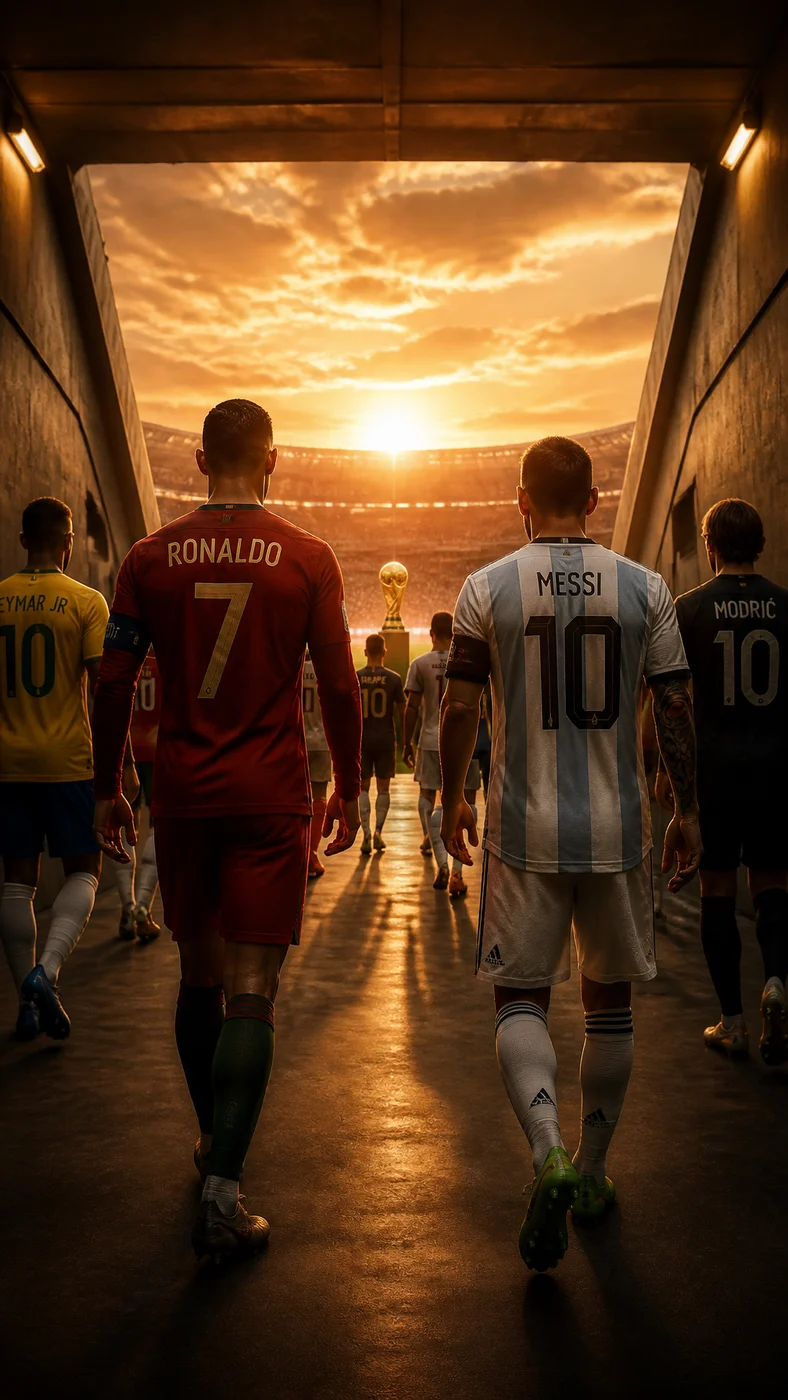
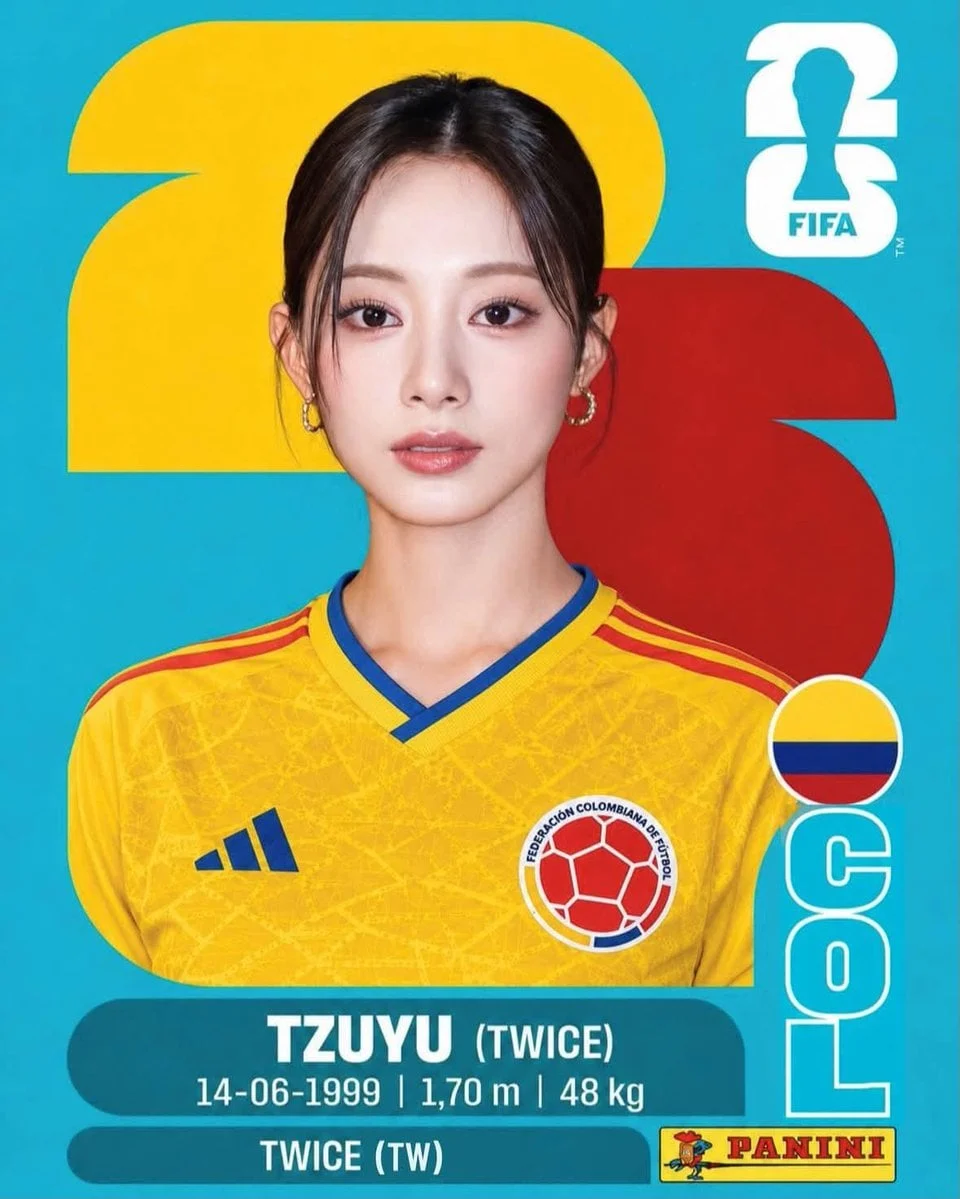
Player cards
Create fictional player cards with stat bars, position badges, role notes, and a clear sports broadcast layout.
Football data visual effect

Use the AI World Cup Infographic Generator to turn football information into clean player cards, match schedules, bracket visuals, lineup graphics, country comparisons, and tournament explainer images. The generator starts with a structured prompt so the result has a clearer layout than a generic sports poster.
World Cup infographic images need hierarchy. A useful prompt should explain the subject, data blocks, labels, color system, pitch lines, card frame, and aspect ratio. Try Fable AI gives you a working image generator and editable examples on the same page.
For World Cup 2026, football blogs, fan pages, newsletters, and social teams can use this effect for preview graphics, fictional player cards, matchup breakdowns, tournament timelines, and educational sports visuals. Verify factual claims before publishing any data-heavy image.
Prompt examples
Each example is written as a complete prompt direction. Use one in the generator above, then replace the subject, country colors, layout, and publishing format for your own World Cup or football image.
Workflow
Use the page like a layout workspace: pick an infographic example, rewrite the data story, generate the graphic, then review text and numbers before publishing.
Select a player card, match preview, bracket, guide, or layout example below the preview. The example fills the Prompt field with a structured World Cup infographic direction.
Replace the subject, data blocks, short labels, stat rows, formation, schedule, bracket, color system, and aspect ratio. Keep labels short so the generated image has a better chance of staying readable.
Choose model and output settings, then generate. The finished infographic replaces the example preview and enters session history for comparison.
Check all generated text, numbers, team labels, and factual claims. Regenerate with simpler labels or fewer data blocks if the graphic becomes crowded or inaccurate.
Use cases
Use infographic visuals when the image needs to explain information quickly, not only look dramatic.
Create fictional player cards with stat bars, position badges, role notes, and a clear sports broadcast layout.
Design matchup graphics with kickoff placeholders, team colors, key facts, and a simple visual hierarchy.
Build tournament bracket concepts, knockout trees, prediction visuals, and schedule explainers.
Create formation boards, starting eleven graphics, bench notes, and role-based tactical visuals.
Prompt structure
World Cup infographic prompts work best when they describe the exact card, board, or poster layout. Keep labels short and specify whether the data is fictional or verified.
Prompt formula
[infographic type] + [subject] + [layout blocks] + [data labels] + [color system] + [visual style] + [format]
Example
World Cup match preview infographic, two fictional countries, split color layout, stadium header, three stat rows, simple icons, pitch-line background, clean broadcast design, short readable labels, 16:9 social graphic.
Creative guidance
Infographics fail when the prompt asks for too many tiny labels. Choose the few data points that matter and let the design breathe.
For World Cup 2026 pages and social posts, verify tournament dates, teams, match information, and statistics outside the image model before publishing.
If you need official logos, player names, or sponsor marks, make sure you have the rights to use them. Otherwise use fictional placeholders and original graphic language.
Create AI World Cup infographic images, player cards, bracket visuals, lineup cards, match schedules, and football data graphics in Try Fable AI.
Use the generator above to edit the prompt, choose an image model, and create a result without leaving the page.
Open the Image hub to compare football effects, image models, prompt examples, and practical refinement tools.
AI World Cup Infographic Generator FAQ
Quick answers about prompts, examples, image rights, and using Try Fable AI for football and World Cup image creation.
Try Fable AI
Start with a structured prompt, customize the data story, and generate a football infographic in Try Fable AI.
Continue with another Try Fable AI image effect when the next asset needs a different visual structure.