Goal announcements
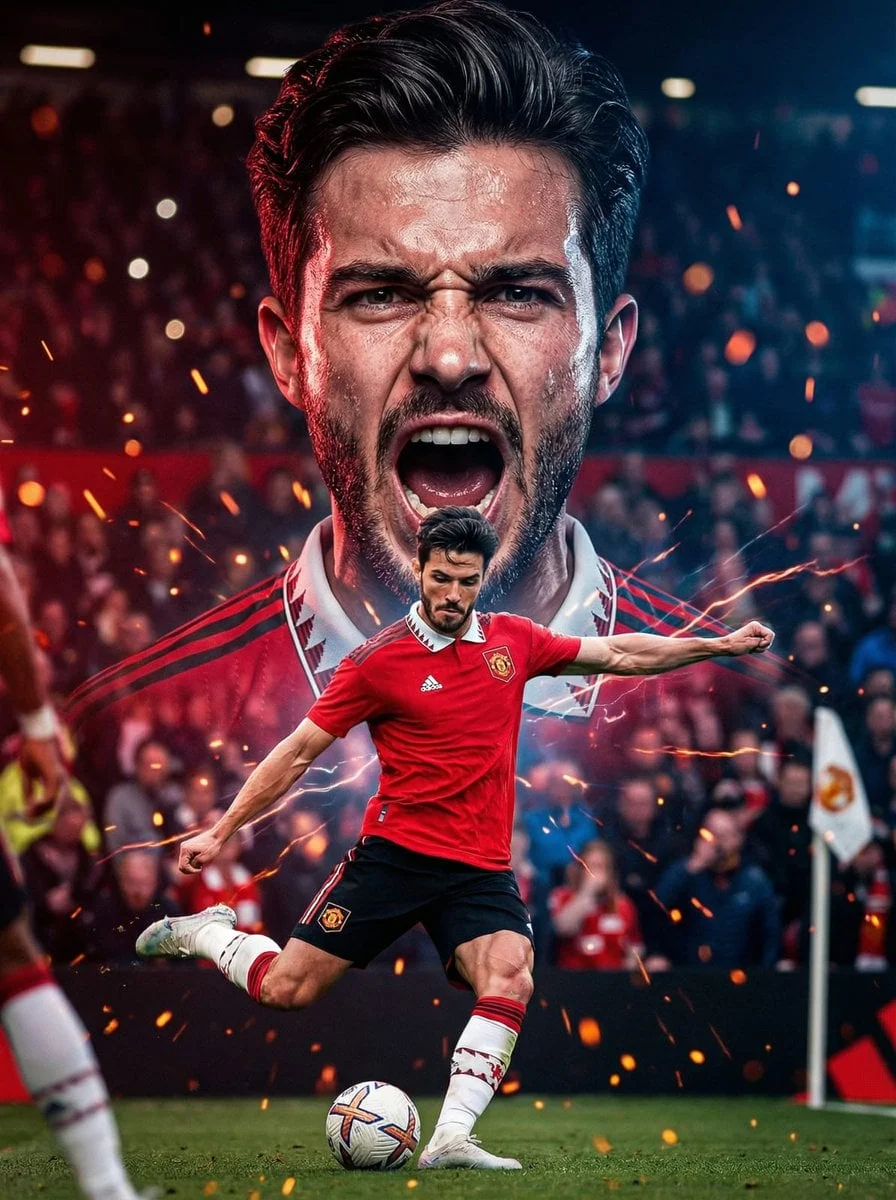
Create goal graphics for club pages, fantasy teams, sports communities, and tournament recaps with a clear ball path and celebration mood.
AI football image effect

Use the AI Football Goal Effect Generator to create dramatic football shots with ball trails, net movement, floodlights, grass particles, and a clear goal moment. The workspace starts with an editable prompt and a preview image, so you can see the intended football goal effect before generating your own version.
This page is built for football creators, fan pages, social editors, clubs, and campaign teams that need fast sports visuals without designing every light burst or action frame from scratch. Keep the goal effect structure, then change the player, camera angle, stadium, kit colors, weather, and output format.
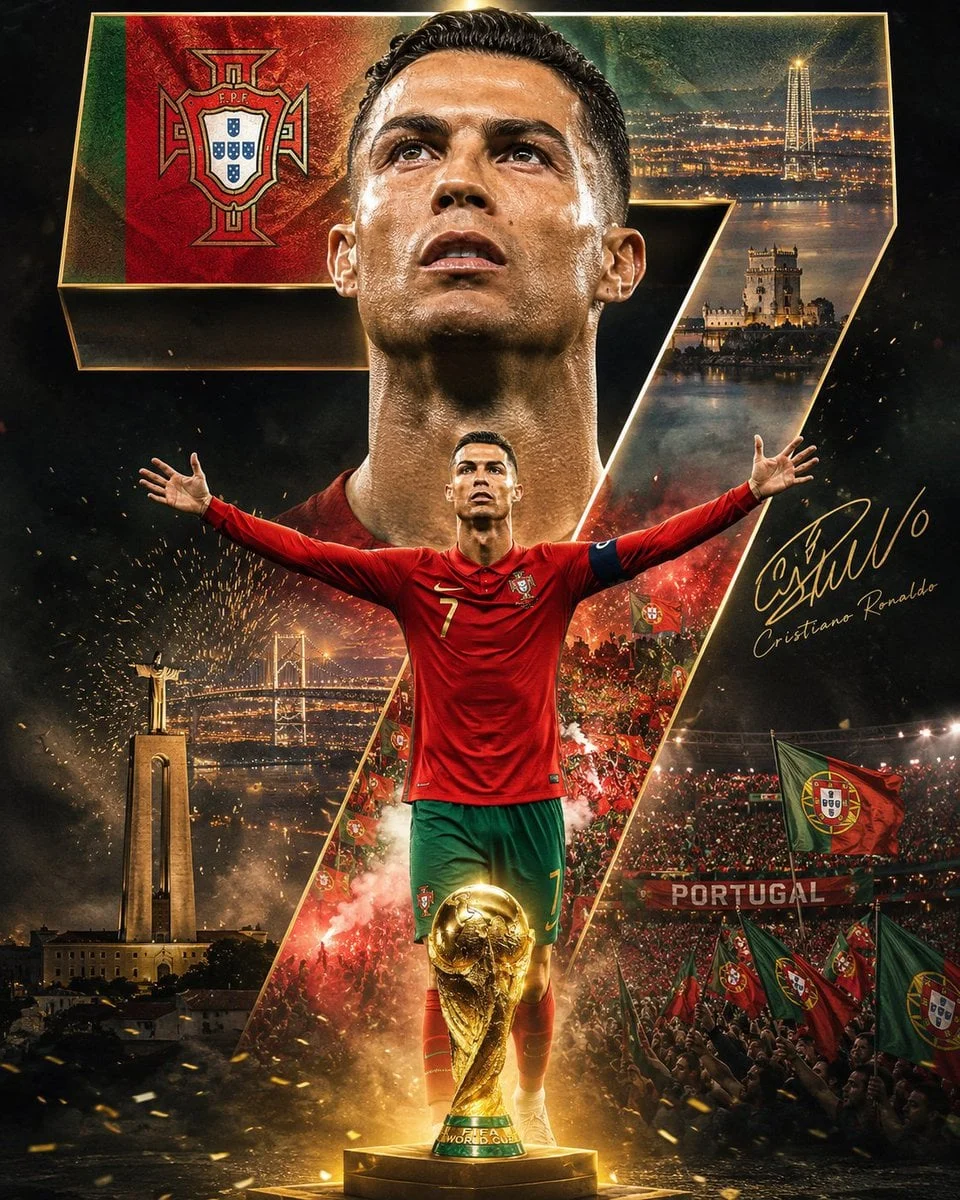
For World Cup 2026 content, the same prompt pattern works for matchday posts, goal announcements, highlight thumbnails, fantasy fixtures, and country-inspired football graphics. Try Fable AI is independent and does not require official tournament marks to produce a useful, original football image.
Prompt examples
Each example is written as a complete prompt direction. Use one in the generator above, then replace the subject, country colors, layout, and publishing format for your own World Cup or football image.
Workflow
Use the generator the same way the page is designed: choose an example, edit the prompt on the left, generate the image, then refine from the result or switch to another direction.
Pick one of the example results below the preview. The selected example updates the result area and fills the Prompt field with a complete football goal effect direction.
Replace the goal moment, player description, ball trail, net ripple, stadium lighting, camera angle, country colors, and output format. Upload a reference image only when the result should follow a specific person, pose, or source visual.
Choose the image model, aspect ratio, resolution, and quality settings, then generate. During generation the preview area shows progress; when it finishes, the new football goal effect replaces the example and appears in session history.
If the result is close, change one detail such as the ball path, lighting burst, crop, or headline space and generate again. If the direction is wrong, choose another example and restart from that prompt.
Use cases
A strong football goal effect needs motion, impact, and a clear subject. Use it when the image must communicate speed before anyone reads the caption.
Create goal graphics for club pages, fantasy teams, sports communities, and tournament recaps with a clear ball path and celebration mood.
Build YouTube or short-form thumbnails where the ball, net, and player action are readable at small sizes.
Turn fixture content into a more energetic image with floodlights, grass spray, and country-led color systems.
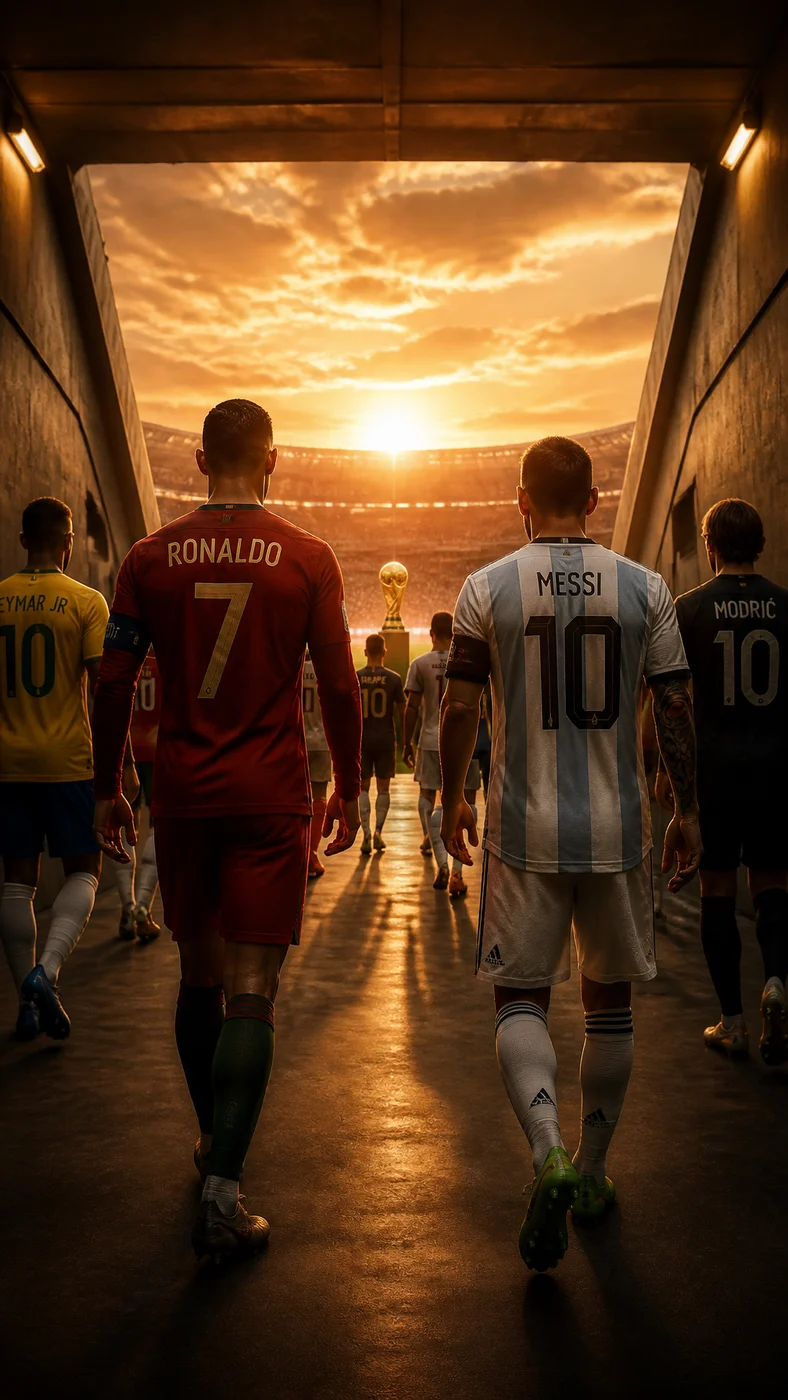
Make fictional football scenes for supporters without relying on official logos, protected team marks, or real player likenesses.
Prompt structure
The best football goal effect prompts are specific about physics and composition. Put the ball path, net position, player movement, stadium light, and final aspect ratio in the same prompt.
Prompt formula
[goal action] + [ball and net effect] + [player pose] + [stadium atmosphere] + [camera angle] + [color system] + [output format]
Example
Low-angle football volley at the edge of the box, glowing ball trail into the top corner, net rippling backward, grass spray, night stadium floodlights, blue and gold matchday colors, realistic sports photography, vertical poster.
Creative guidance
Do not overload the prompt with every sports effect at once. A clear ball, visible net, strong player pose, and controlled light burst usually perform better than a chaotic image full of unrelated particles.
For World Cup 2026 or football campaign use, describe country colors and stadium mood instead of asking for official tournament branding. This keeps the image original and avoids implying affiliation.
If you upload a reference photo, use one you own or have permission to edit. Avoid deceptive endorsements, misleading player edits, or protected team marks unless you have the rights to use them.
Create AI football goal effect images with ball trails, net ripples, stadium lights, celebration scenes, and World Cup style sports visuals in Try Fable AI.
Use the generator above to edit the prompt, choose an image model, and create a result without leaving the page.
Open the Image hub to compare football effects, image models, prompt examples, and practical refinement tools.
AI Football Goal Effect Generator FAQ
Quick answers about prompts, examples, image rights, and using Try Fable AI for football and World Cup image creation.
Try Fable AI
Start with the example prompt, adjust the football action, and generate a goal effect image directly in Try Fable AI.
Continue with another Try Fable AI image effect when the next asset needs a different visual structure.